
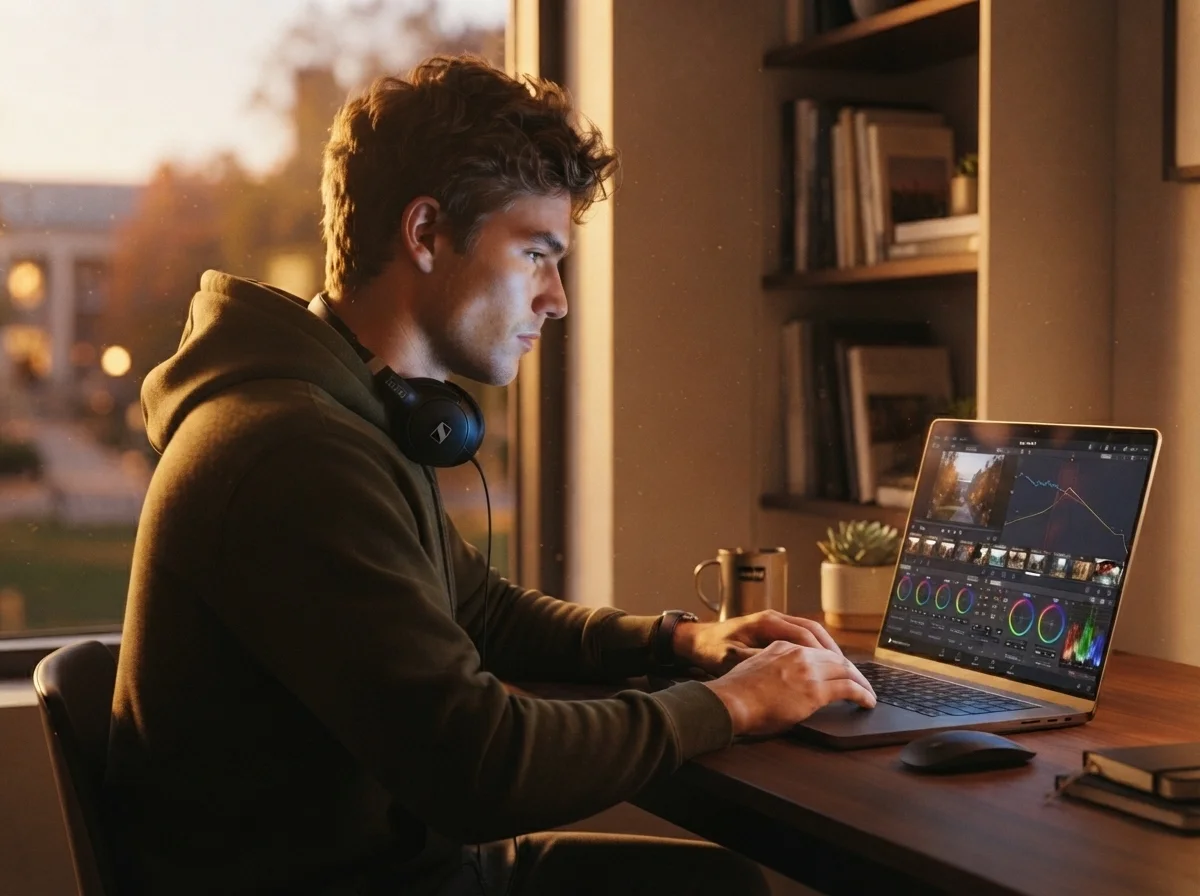
Quick Answer: Blackmagic Design does not offer an official student discount on DaVinci Resolve Studio in 2026. Every user — student or professional — pays the same $295 one-time price. What students actually get: a completely free, unrestricted version of DaVinci Resolve, a $30/month Studio rental option (available since September 2025), and free access through university lab licenses. For most students, the free version is enough.
Whether you’re editing travel vlogs on a budget laptop or documenting your study abroad semester, DaVinci Resolve is the tool most student creators end up choosing — not because of a discount, but because of how the pricing model itself is built. f you’ve been searching for a DaVinci Resolve student discount code, this guide covers every real option available in 2026
What Is DaVinci Resolve Studio?
DaVinci Resolve Studio is professional video editing software by Blackmagic Design — the same tool used in real film and documentary production. It includes advanced color grading, Fairlight audio editing, Fusion visual effects, and high-end production workflows. It’s already part of the curriculum in film schools worldwide. You can check full features on the official DaVinci Resolve website.
Is There a DaVinci Resolve Student Discount in 2026?
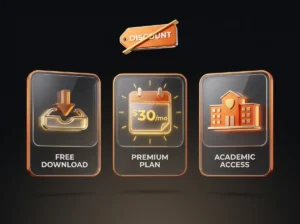
No. This is the direct, honest answer students searching for a promo code deserve: Blackmagic Design sells DaVinci Resolve Studio at the same $295 price to a first-year film student and a working professional colorist. There’s no student ID verification checkout, no .edu email discount, no coupon code. Any site or forum post claiming otherwise is either outdated or misleading.
That said, “no discount” doesn’t mean students are stuck paying full price to get started. Here’s what’s actually available:
| Option | Cost | Best For |
|---|---|---|
| DaVinci Resolve (Free) | $0 forever | Almost every student project |
| DaVinci Resolve Studio (Rental) | ~$30/month | Short-term projects, one semester |
| DaVinci Resolve Studio (Perpetual) | $295 one-time | Long-term creators, film majors |
| University Lab License | $0 (via campus) | Students with access to media labs |
The Free Version Is Not a “Trial” — It’s the Real Discount
This is the part most comparison articles get wrong. DaVinci Resolve’s free version isn’t a stripped-down demo — it’s a fully functional professional editor with no watermark and no time limit. It includes full 4K editing, color grading, Fairlight audio, and Fusion VFX. For the vast majority of student projects — class assignments, vlogs, portfolio reels — the free version covers everything.
New in 2026: The $30/Month Rental Option
If you need Studio-exclusive features (Neural Engine AI tools, advanced noise reduction, HDR grading, higher frame rates) for a single semester or project, Blackmagic Design has offered a monthly rental option since September 2025 for roughly $30/month — instead of committing to the full $295 perpetual license. This is genuinely useful for students who need Studio features temporarily (a thesis film, a summer internship) but don’t want to lock in a one-time purchase they may not use again.
DaVinci Resolve Free vs Studio (2026 Comparison)
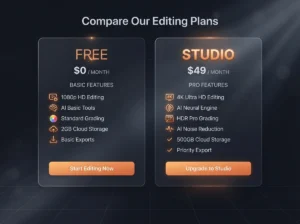
| Feature | Free | Studio ($295 or $30/mo rental) |
|---|---|---|
| Price | Free Forever | $295 one-time, or ~$30/month rental |
| 4K Editing | Yes | Yes (up to 32K) |
| Frame Rate Support | Standard | Up to 120 fps |
| AI Tools (Neural Engine) | Limited | Full access |
| Noise Reduction | No | Yes |
| HDR Grading | No | Yes |
| Blackmagic Cloud Collaboration | No | Yes |
| License Type | Lifetime Free | Lifetime (purchase) or Monthly (rental) |
The free version handles most student projects without issues. If you want to improve your footage before you even get to editing, our Travel Photography Tips Guide covers skills that directly translate to better video work.
How Students Can Access DaVinci Resolve in 2026
Option 1 — Free Version (Recommended for most students) Download directly from the official Blackmagic site, install on Windows, macOS, or Linux, start editing immediately. No license key, no watermark, no time limit.
Option 2 — Monthly Rental Pay ~$30/month for Studio access during an active project, then cancel. Best for one-off assignments needing AI tools or HDR grading.
Option 3 — University Lab License Many film, media, and design departments already own bulk Studio licenses for lab computers. Check with your media or IT department before paying anything — a surprising number of students already have free access and don’t know it.
Option 4 — Perpetual License ($295) Worth it only if you’ll use Studio-level features regularly, long after graduation.
DaVinci Resolve vs Adobe Premiere Pro (Student Comparison, 2026)
| Software | Student Cost | Subscription | Long-Term Value |
|---|---|---|---|
| DaVinci Resolve (Free) | Free | None | Very High |
| DaVinci Resolve Studio | $295 one-time or $30/mo rental | Optional (rental only) | Very High |
| Adobe Premiere Pro | ~$20-35/month (Creative Cloud) | Yes, ongoing | Medium |
For a student on a tight budget, not having a mandatory monthly bill is the real advantage. Adobe keeps charging you every month indefinitely — DaVinci Resolve doesn’t, even on the rental plan you can simply stop paying without losing your existing exports.

Top DaVinci Resolve Tips for Students
- Use Proxy Media when editing on a budget laptop — it dramatically improves playback performance without affecting your final export quality.
- Master the Color Page early. This is where DaVinci Resolve genuinely outperforms every competitor, free or paid.
- Learn keyboard shortcuts. They’re what separates slow editors from fast ones during crunch time before a deadline.
- Avoid any site offering a “free Studio license key.” That’s malware every time. Use the official free version or the legitimate rental option instead.
For staying organized during solo editing projects, our Solo Travel Tips 2026 Guide covers productivity habits that apply well beyond travel.
Frequently Asked Questions
Is there an official DaVinci Resolve student discount in 2026? No. Blackmagic Design charges the same $295 price to students and professionals alike. There is no student ID discount, promo code, or .edu pricing.
Is DaVinci Resolve free for students? Yes — the standard free version has no watermark, no time limit, and includes 4K editing, color grading, Fairlight audio, and Fusion VFX.
Can students rent DaVinci Resolve Studio instead of buying it? Yes. Since September 2025, Blackmagic Design offers a monthly rental option for roughly $30/month, letting students access Studio-only features without the full $295 purchase.
Will my DaVinci Resolve license expire after graduation? No. The free version and a purchased perpetual Studio license are both yours permanently, regardless of student status. Only the monthly rental stops when you stop paying.
Does my university already have a DaVinci Resolve Studio license? Possibly. Many film, media, and design departments license Studio for lab computers. Check with your IT or media department before buying anything.
Final Verdict
There’s no DaVinci Resolve student discount to hunt for in 2026 — and that’s actually fine, because the free version is good enough for almost every student project, and the new $30/month rental option covers the rest. Before spending $295, check three things in order: whether the free version covers your needs, whether your university already has lab licenses, and whether a short-term rental makes more sense than a permanent purchase. So when it comes to the DaVinci Resolve student discount question, the honest answer matters more than a coupon code ever would

Awamar Chheena is the founder of Travel Tips for Students. He writes practical guides to help students find travel deals, student discounts, and budget-friendly tips. His goal is to make travel more affordable for students around the world.